

NEXT · ANDROID & iOS · ODOO 17–20
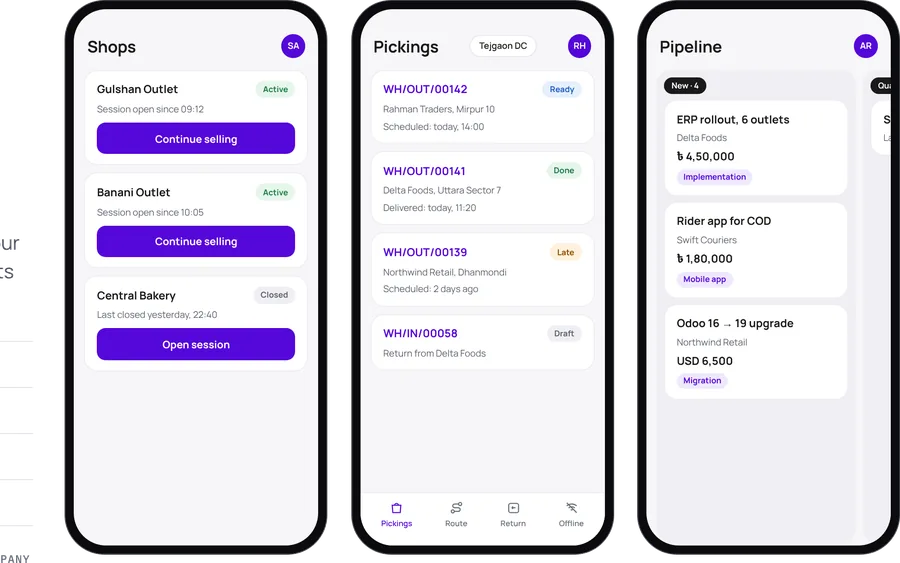
VexaNext's Vexa apps are eight Flutter apps for Android and iOS that connect to any Odoo Community or Enterprise database with a server URL and an Odoo login. They cover POS, sales, CRM, inventory, barcode scanning, delivery, rental and manufacturing.
THE PROBLEM
APP LINEUP
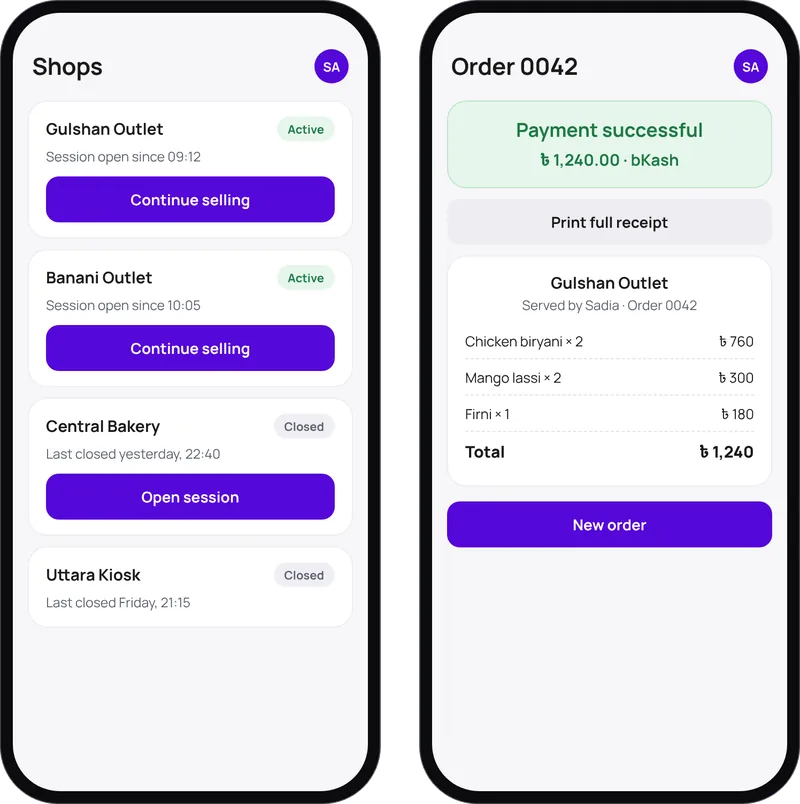
Odoo POS on phones and tablets, with sessions per shop.
See the app →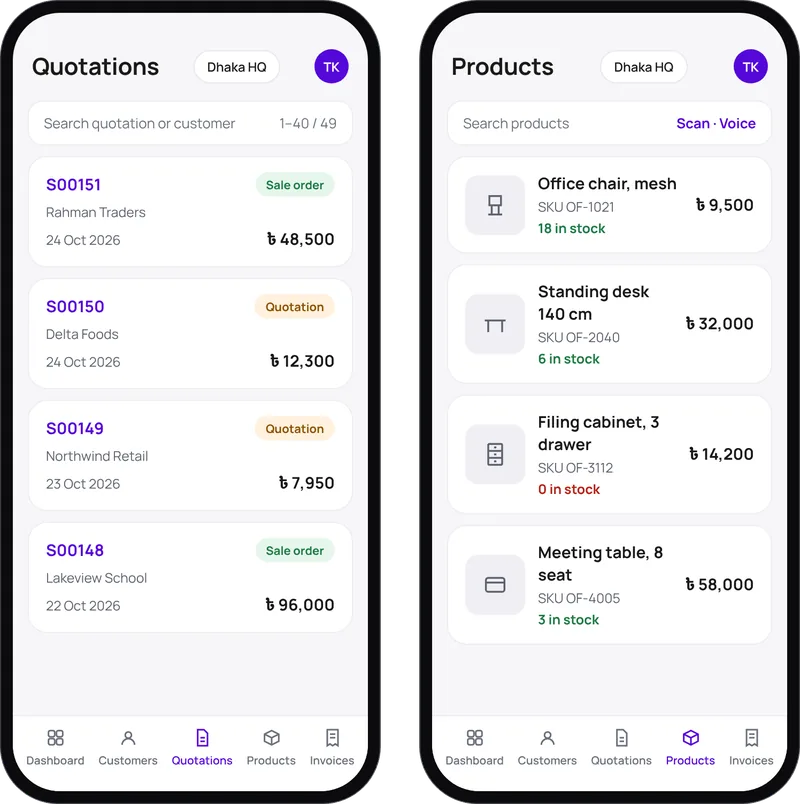
Quotations with customer signatures, barcode and voice product search, customer maps.
See the app →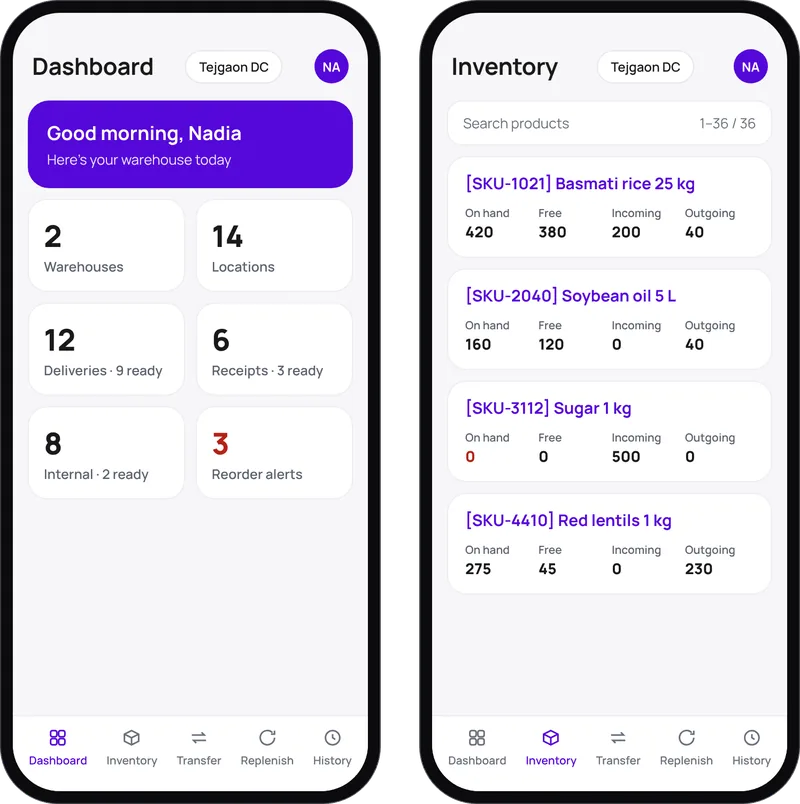
Real-time stock across warehouses, transfers and replenishment rules.
See the app →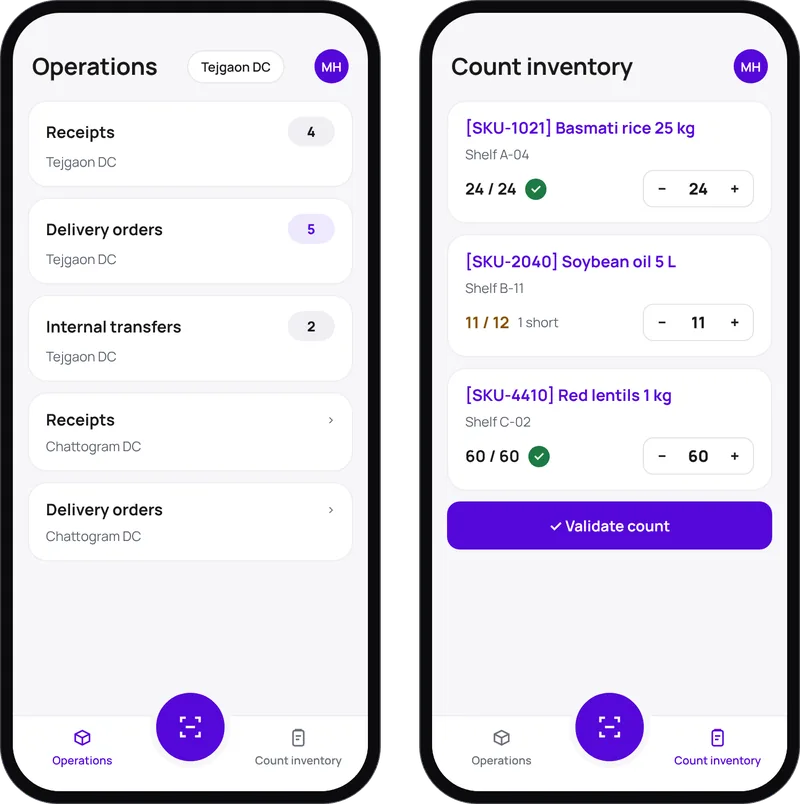
Scan to receive, pick, count and record scrap with a phone camera.
See the app →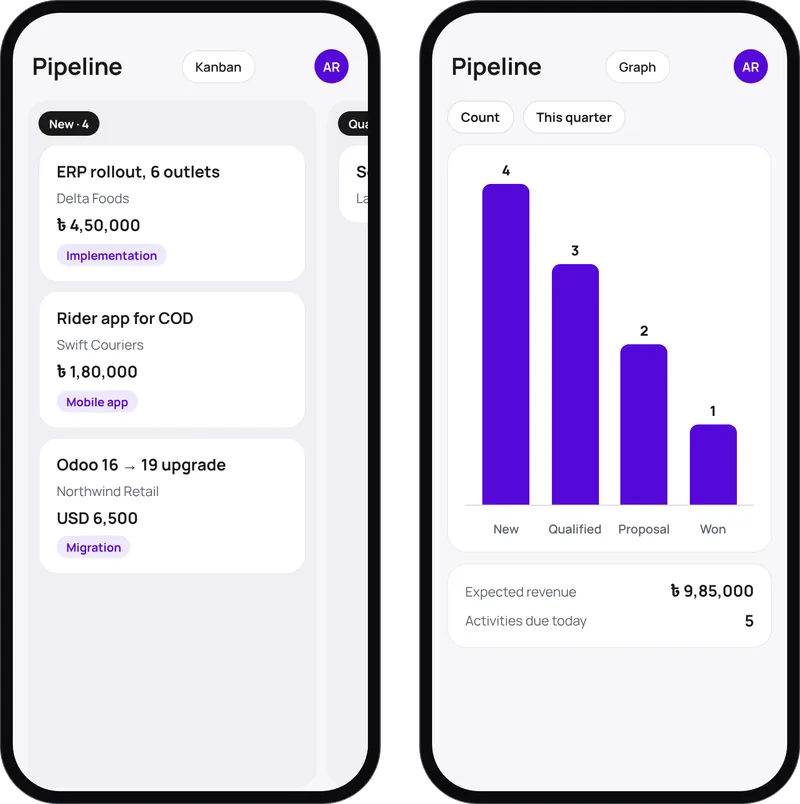
Leads, a drag-and-drop pipeline, quotations and activities, offline-ready.
See the app →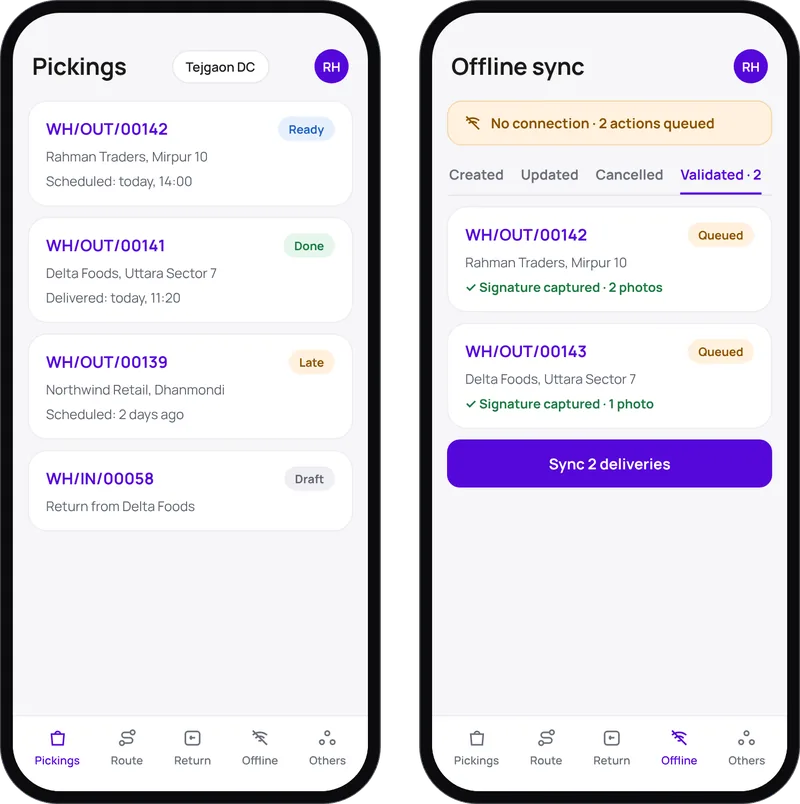
Multi-stop routes, proof of delivery and a full offline mode.
See the app →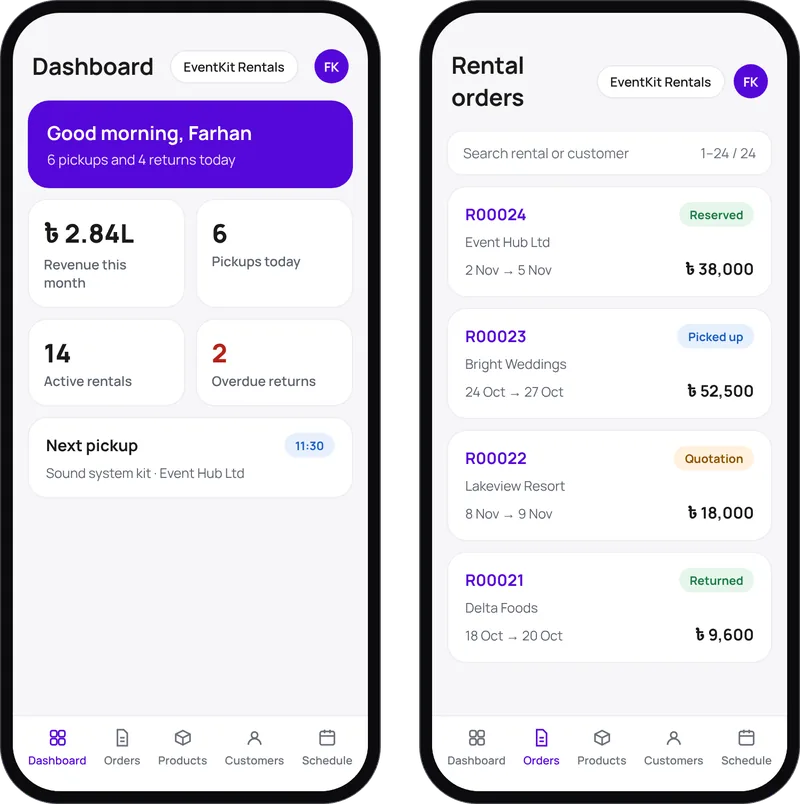
Rental orders from draft to returned, with signatures and availability.
See the app →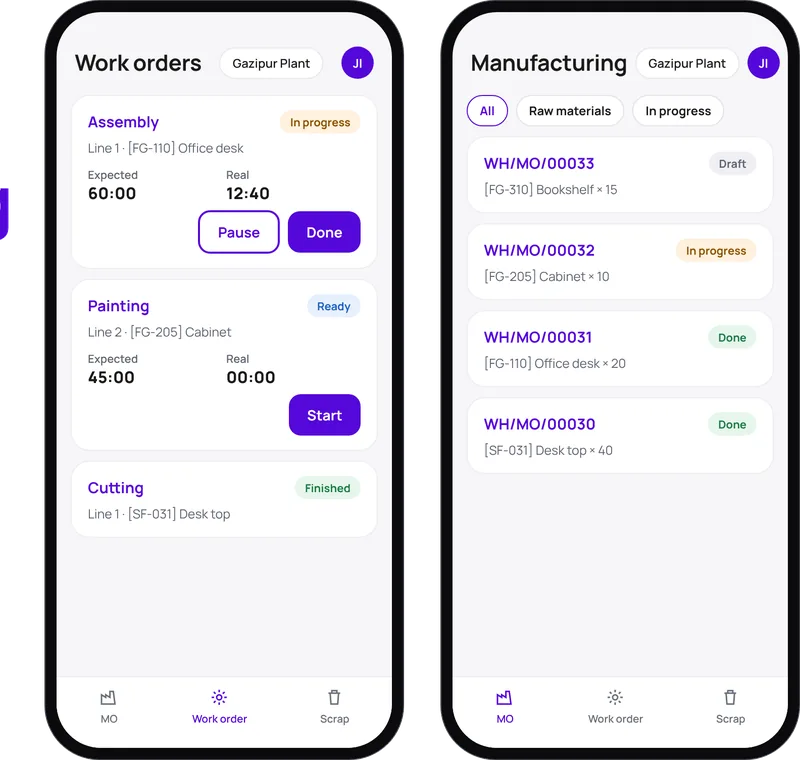
Work orders with live timers, scrap and lot traceability.
See the app →HOW IT WORKS
YOUR SERVER · YOUR DATA · ODOO ACCESS RIGHTS RESPECTED
CUSTOM MOBILE APPS
We build fully custom Android and iOS apps (Flutter or React Native) for customer ordering, loyalty, bookings, student portals and IoT dashboards, all connected to Odoo or your own backend through the JSON-2 API.
WHY BUY THROUGH VEXANEXT
Vexa mobile apps starting from USD 599 setup per app. Custom apps quoted after a scoping call. See pricing →
FAQ
Yes, Community and Enterprise, Odoo 17 to 20.
VexaDelivery, VexaRental and VexaCRM keep working offline and sync later. VexaBarcode shows a banner and degrades gracefully. VexaPOS follows your Odoo POS offline mode.
Yes. We publish to your Google Play and Apple developer accounts (or help you open them).
With their Odoo credentials. The app respects Odoo access rights and record rules.
No. If you run Enterprise, every internal user still needs an Odoo licence. On Community, there are no per-user fees.
Newsletter
One Odoo + brand insight a month. No fluff.
Hi! What can we help you with? Pick a topic or type a message and we'll continue on WhatsApp.
Opens WhatsApp to +8801958561087.
