
VEXA APPS FOR ODOO
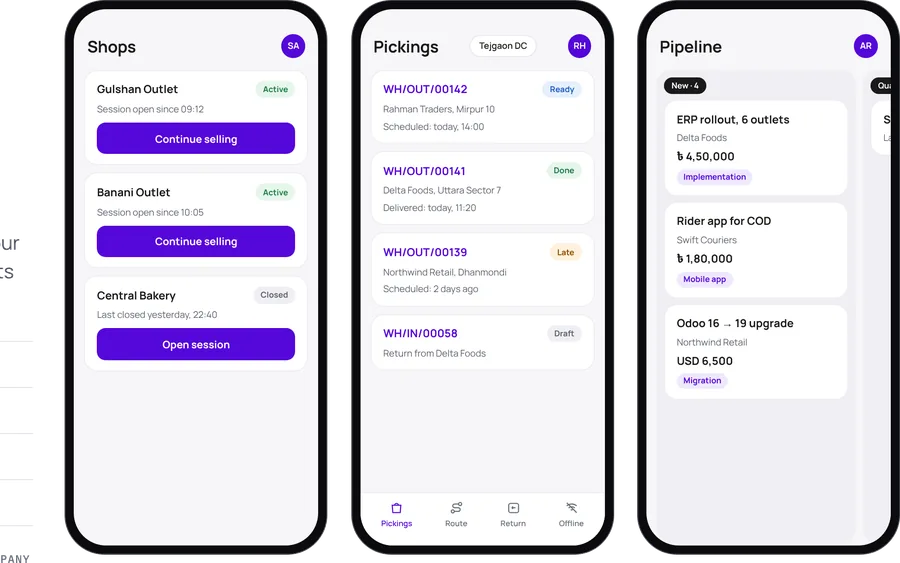
Vexa apps are eight Android and iOS apps that connect to your existing Odoo database: VexaPOS, VexaSales, VexaCRM, VexaInventory, VexaBarcode, VexaDelivery, VexaRental and VexaManufacturing. Staff sign in with the server URL, database and their Odoo login; Odoo access rights and multi-company rules apply. They work with Odoo Community and Enterprise.
ANDROID & iOS · FLUTTER · COMMUNITY & ENTERPRISE · BIOMETRIC LOGIN · 2FA · MULTI-COMPANY · DARK MODE
THE APPS
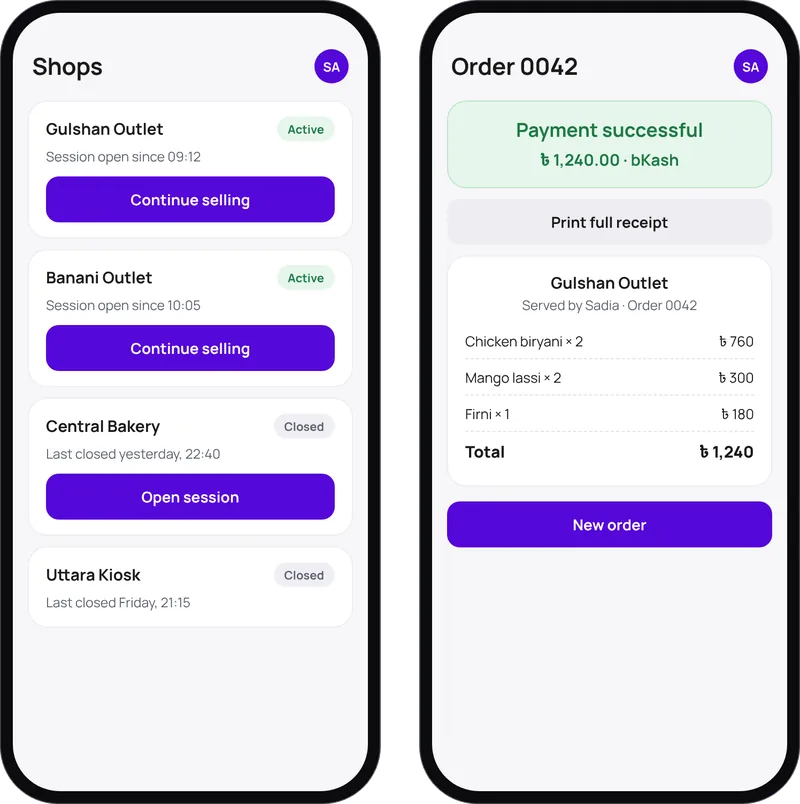
Odoo POS on phones and tablets, with sessions per shop.
See the app →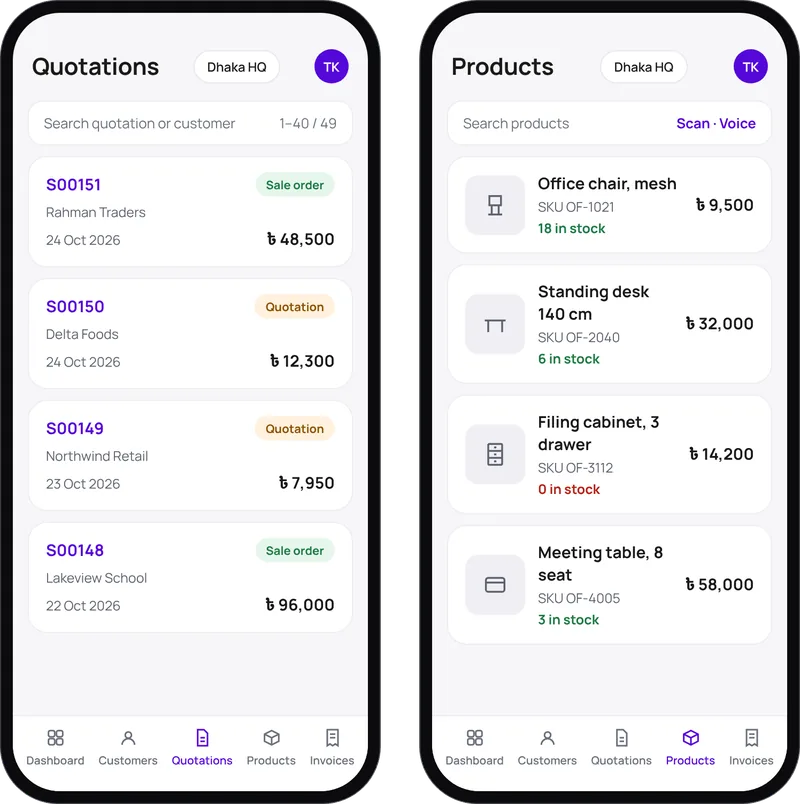
Quotations with customer signatures, barcode and voice product search, customer maps.
See the app →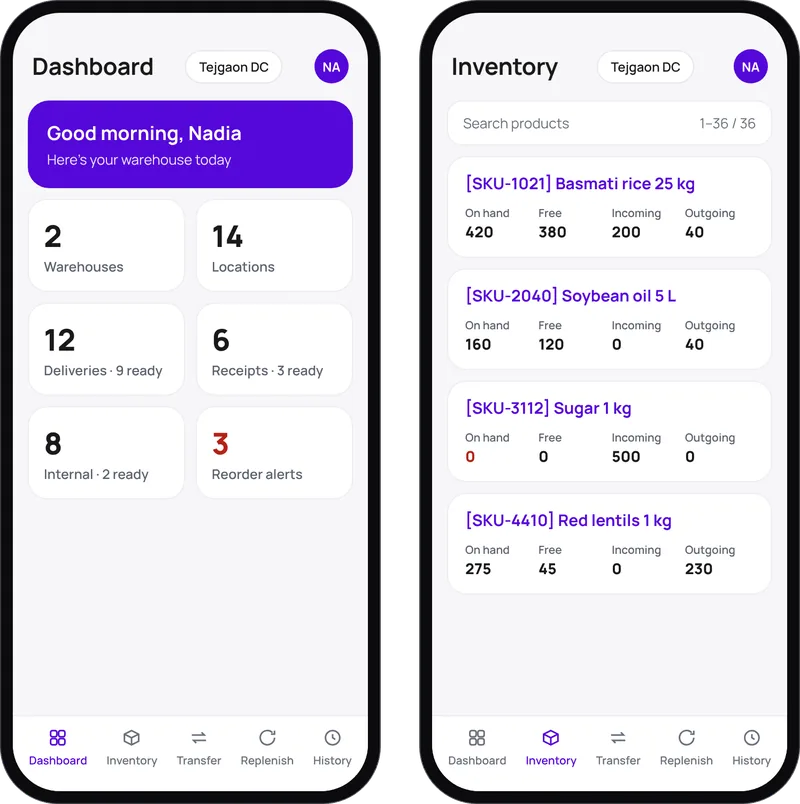
Real-time stock across warehouses, transfers and replenishment rules.
See the app →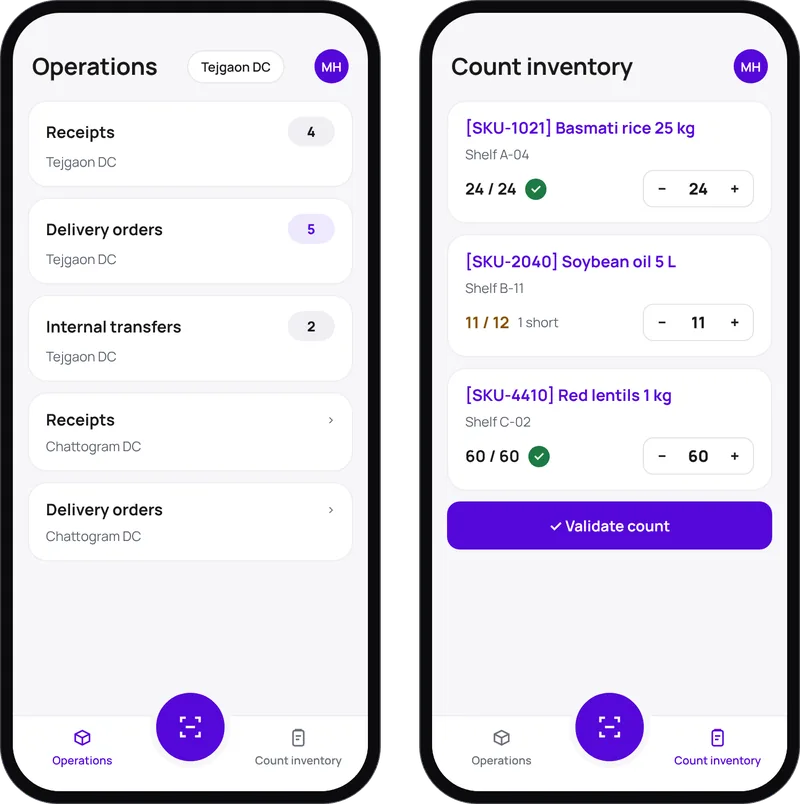
Scan to receive, pick, count and record scrap with a phone camera.
See the app →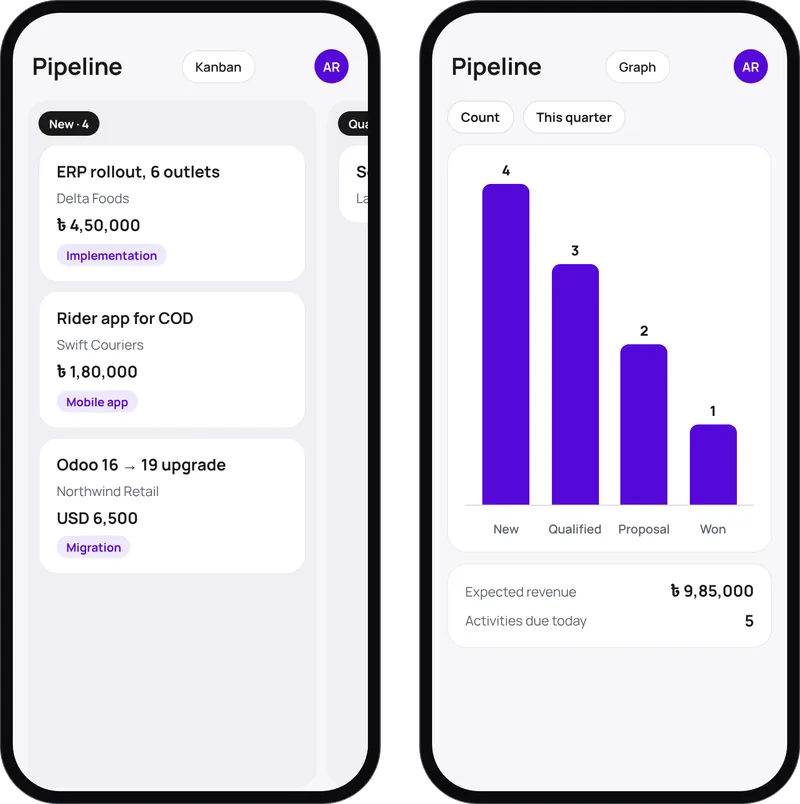
Leads, a drag-and-drop pipeline, quotations and activities, offline-ready.
See the app →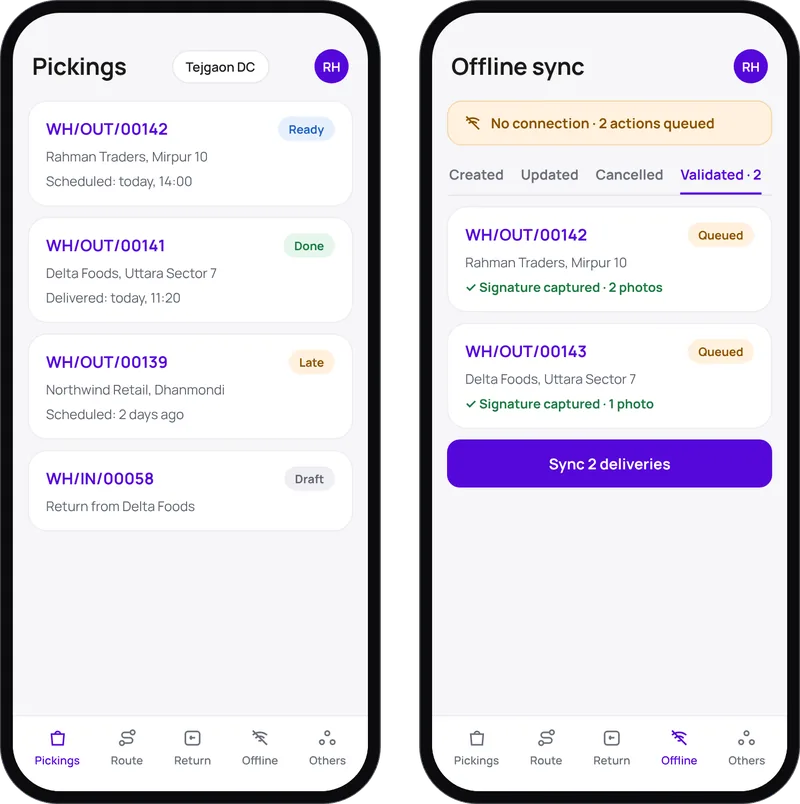
Multi-stop routes, proof of delivery and a full offline mode.
See the app →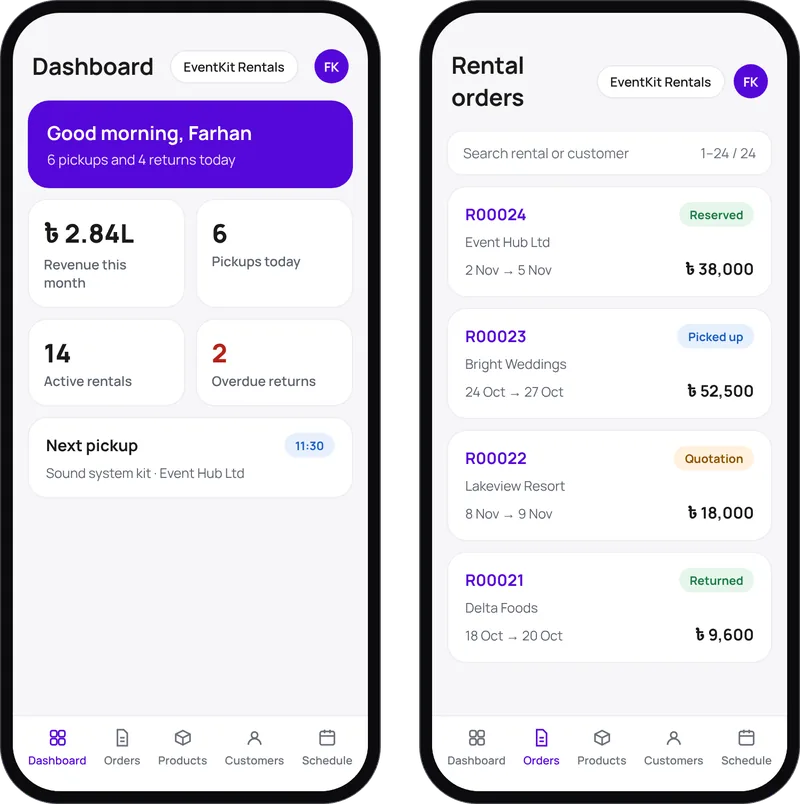
Rental orders from draft to returned, with signatures and availability.
See the app →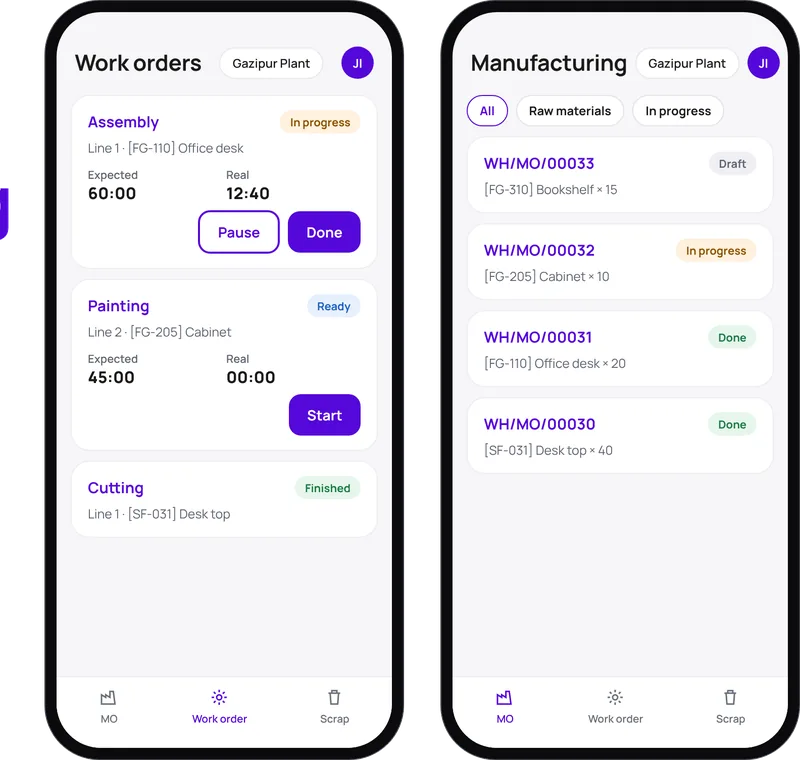
Work orders with live timers, scrap and lot traceability.
See the app →Coming soonIn development. Get notified when it launches.
Get notified →HOW IT CONNECTS
WHAT VEXANEXT ADDS
Starting from USD 599 setup per app; custom changes quoted after scoping.
FAQ
No. They work with Community and Enterprise; VexaRental needs Odoo's Rental app, which is Enterprise.
With your server URL, database and Odoo login. Nothing extra is installed on the server.
VexaDelivery, VexaRental and VexaCRM keep working offline and sync later. VexaBarcode shows a banner and degrades gracefully. VexaPOS follows your Odoo POS offline mode.
Book a demo and we'll connect an app to a test copy of your database.
Newsletter
One Odoo + brand insight a month. No fluff.
Hi! What can we help you with? Pick a topic or type a message and we'll continue on WhatsApp.
Opens WhatsApp to +8801958561087.
